Synology NAS
Connect directly to Synology DSM, choose shared folders and scan the whole collection. Stream and cache on demand while reading tags, artwork, embedded lyrics and sidecar lyrics.
Native on iPhone, iPad, Mac and Apple TV
Bring NAS, cloud drives, media servers and local files together, then keep listening across every Apple screen.
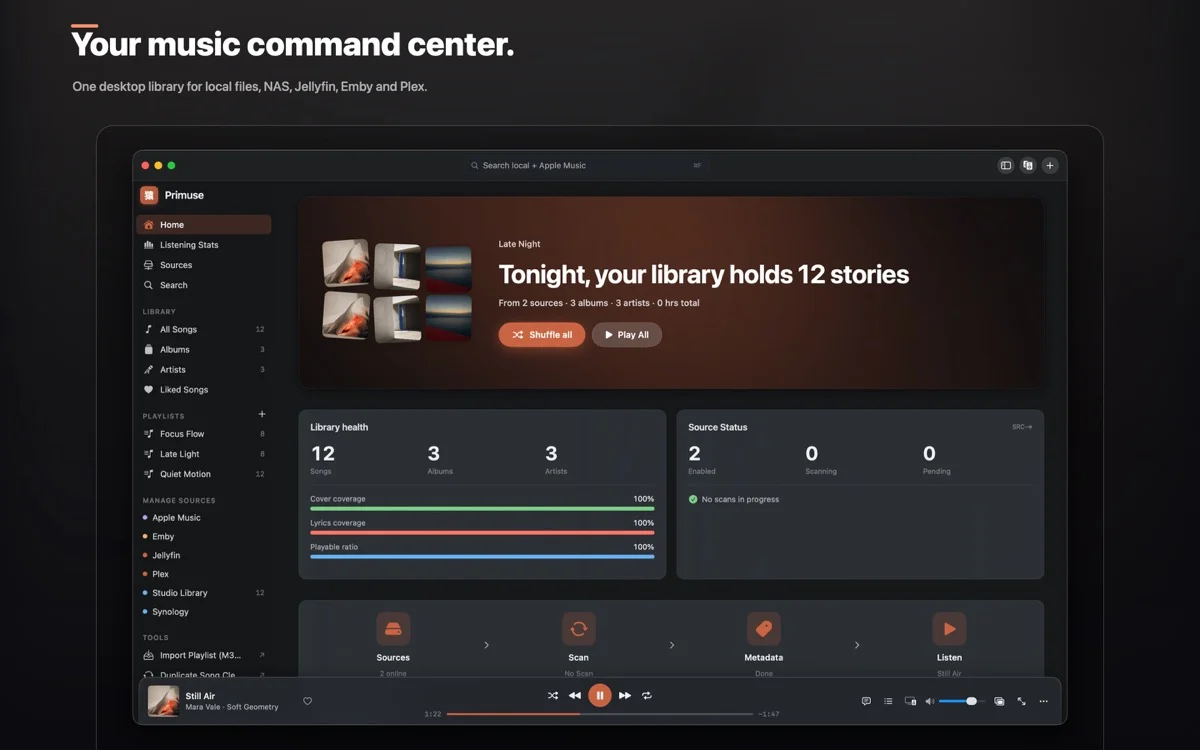
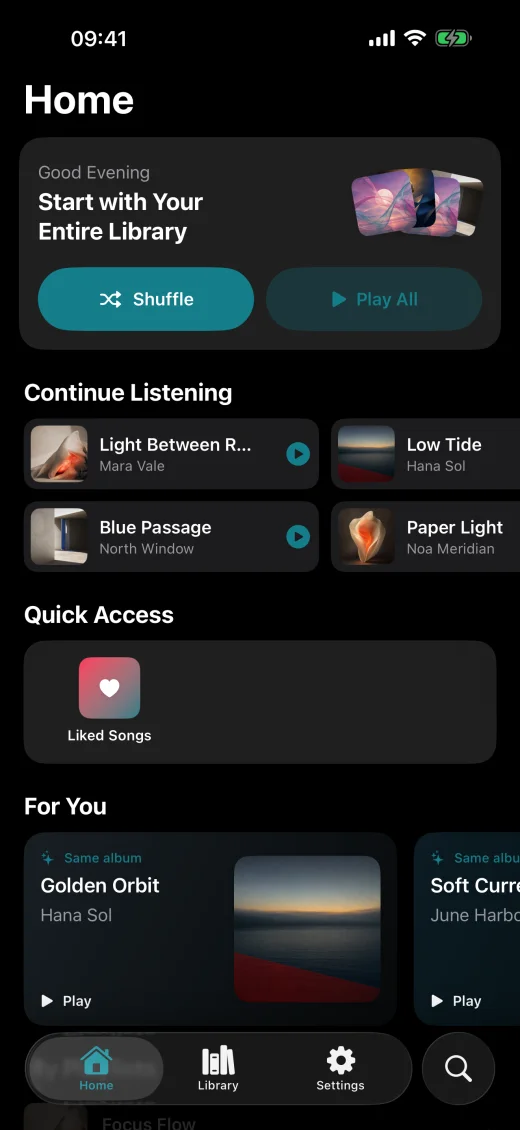
Import, scan, organize and play directly, without moving your entire library.
Every source has a place
Primuse does not ask you to move your music. Connect the sources you already use and it organizes songs, albums, artists, playlists and history while every track stays where it belongs.
Connect directly to Synology DSM, choose shared folders and scan the whole collection. Stream and cache on demand while reading tags, artwork, embedded lyrics and sidecar lyrics.
Import local files on iPhone and iPad. On Mac, scan local folders and read the system Apple Music / iTunes library. Your music does not need to be uploaded to a third-party server.
Once authorized, search the Apple Music catalog and sync personal-library songs and playlists. Subscription content plays through the system player and can join a mixed-source queue.
Connect QNAP, SMB/CIFS, WebDAV, FTP/FTPS, SFTP, NFS, S3, UPnP/DLNA, Navidrome, Subsonic, Airsonic, gonic, Jellyfin, Emby, Plex, 123 Cloud, 115, Baidu Netdisk, Aliyun Drive, Google Drive, OneDrive and Dropbox.
Real product, real interfaces
Every image comes from a localized Primuse interface. Product capability is never replaced by concept art.
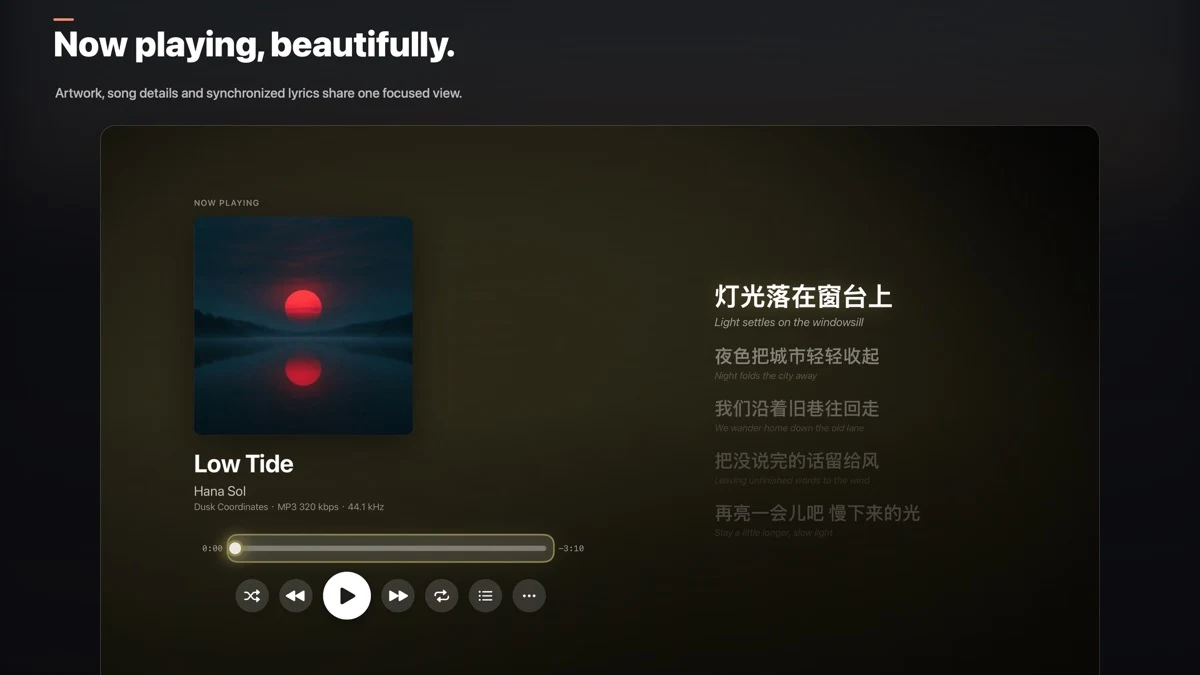
Artwork-led playback keeps every essential detail and control close.
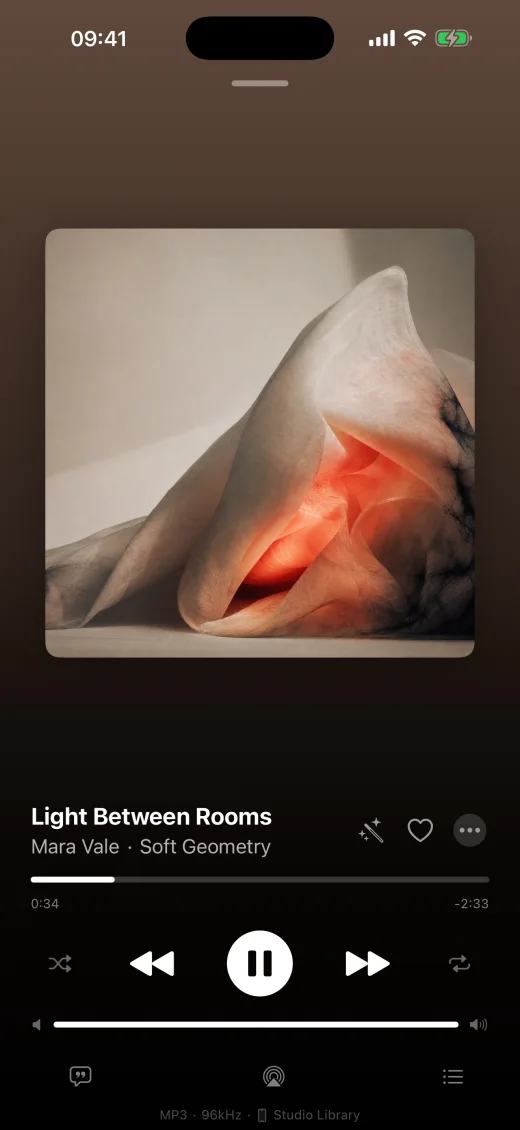
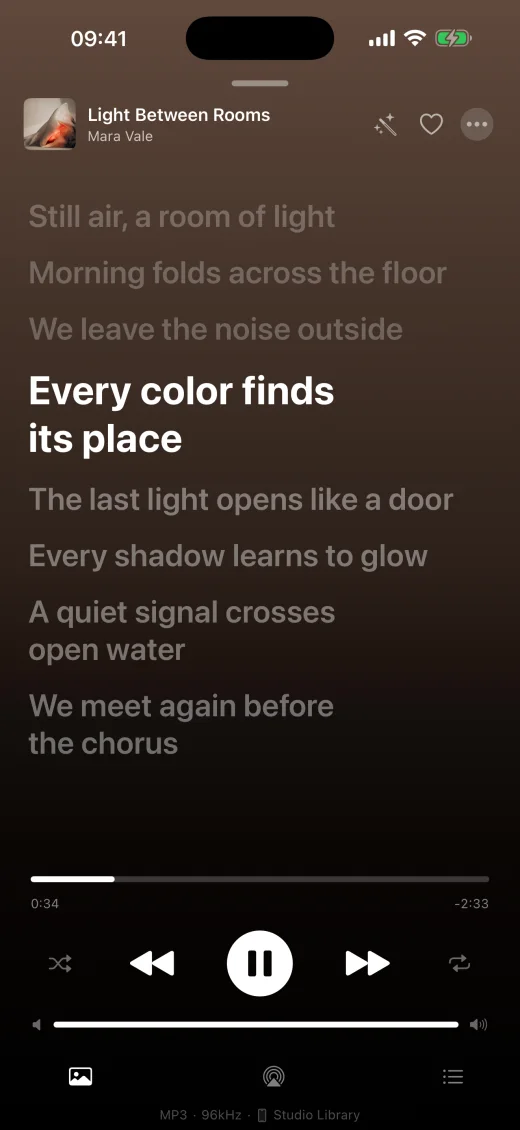
Time-synced lines keep the current lyric clear and in focus.
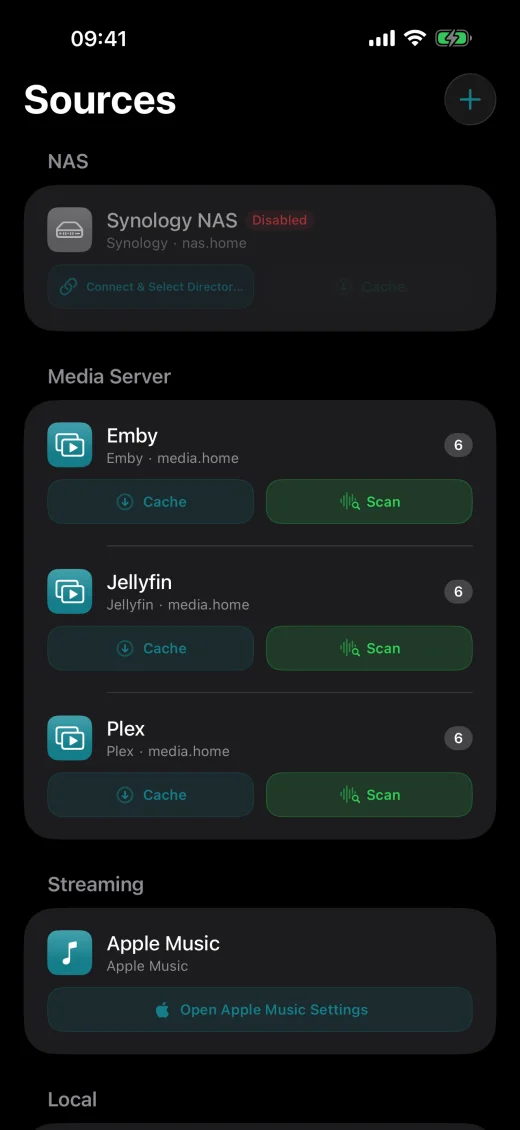
Scan, cache and manage local, NAS and media-server sources together.
Complete feature set
Primuse brings source connections, library organization, high-fidelity playback, lyrics and cross-device sync into one native app.
Signature capabilities
From restoring an old collection to filling in missing artwork and lyrics, these tools are built for everyday library care.
Built-in iTunes, MusicBrainz and LRCLIB sources find titles, artists, albums, artwork and lyrics.
Import third-party metadata, artwork and lyrics sources from a JSON configuration or URL, then reorder, enable or disable them.
Write scraped artwork and .lrc lyrics back to writable local, NAS or cloud folders so other players can use them too.
Act as a MediaRenderer for VLC, Synology Audio Station, Plex and other control points; on Mac, discover speakers and TVs and start playback.
Line- and word-synced lyrics, translation cache, manual correction, Mac desktop lyrics and iPad external-display lyrics.
Smart playlists, duplicates, Recently Deleted, full-lyrics search, listening statistics, yearly reports, Last.fm and ListenBrainz.
Primuse
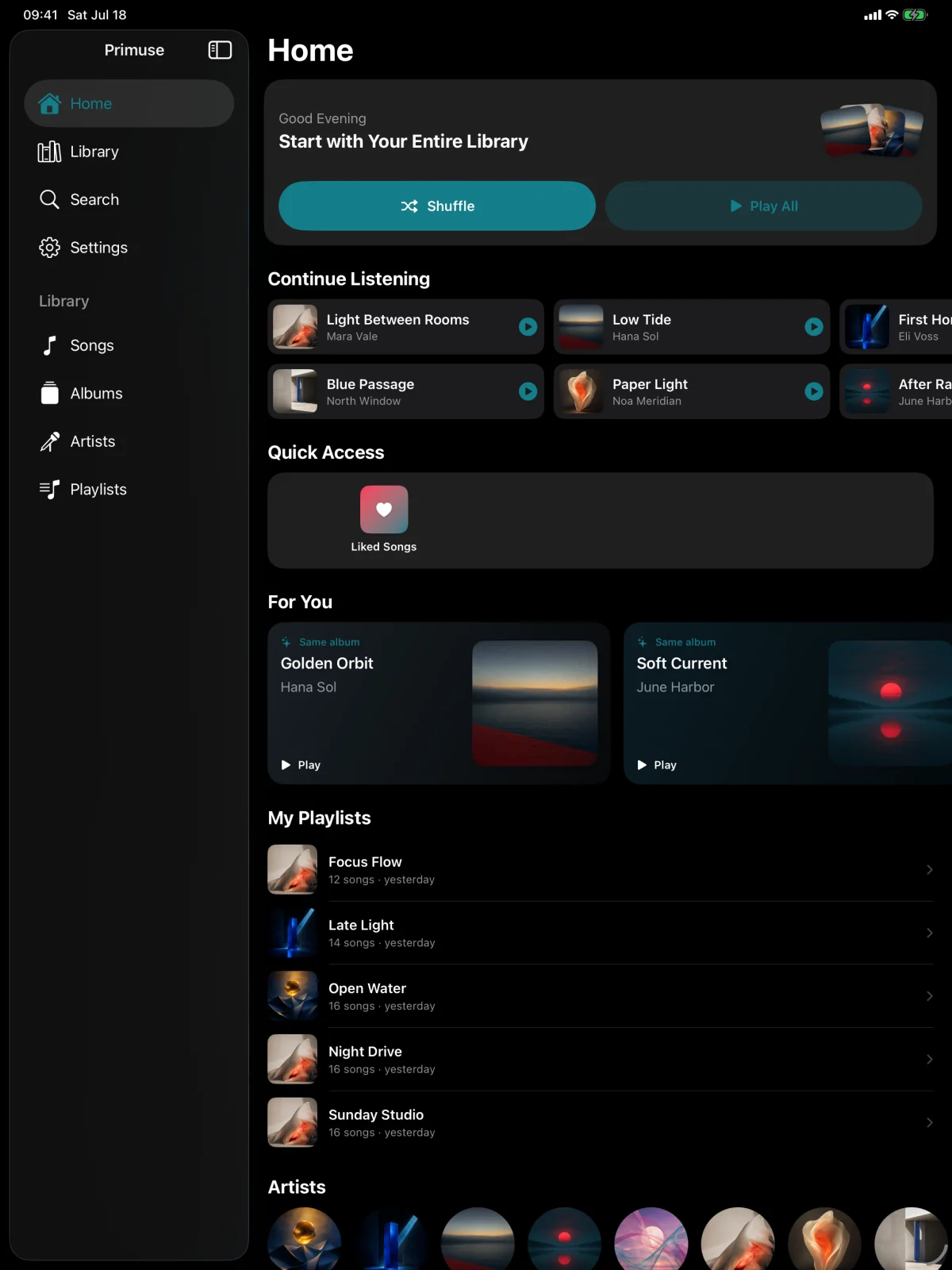
Playlists, sources, listening history and settings stay in sync through iCloud, from your phone and desktop to the living room.
Apple TV
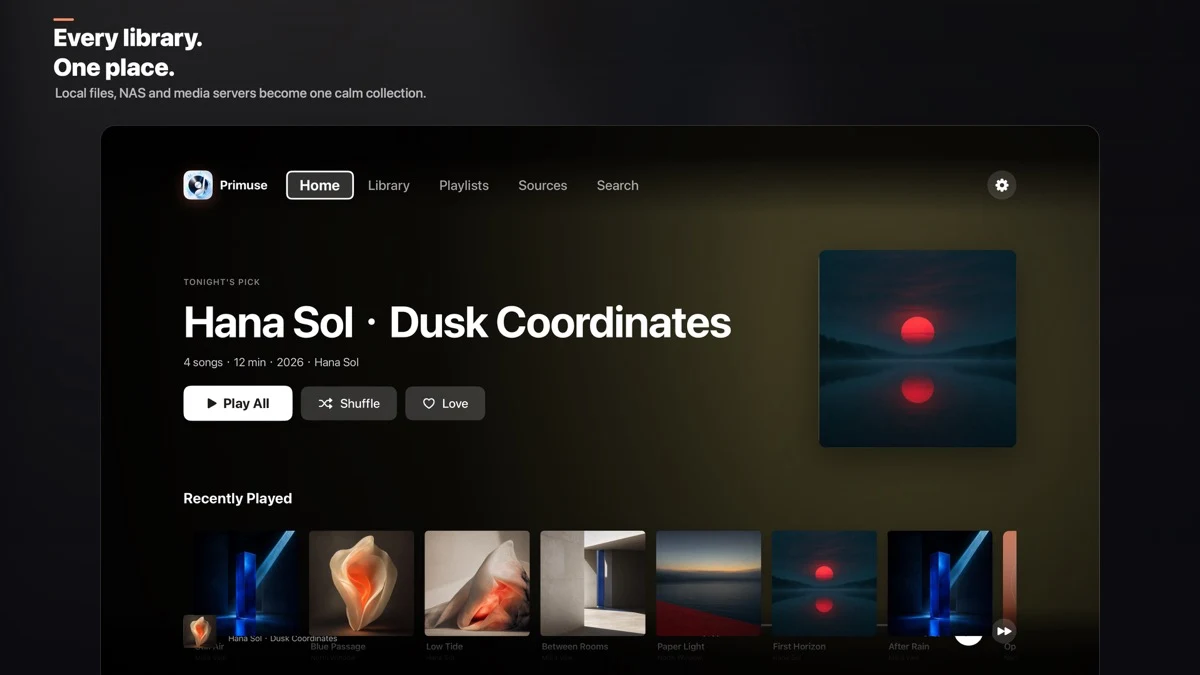
Primuse gives Apple TV a native interface and remote-first controls, redesigning library browsing, search, lyrics and queue control for viewing across the room.
Native Home, Library, Playlists, Sources and Search views for albums, artists and songs.
See artwork, format, bitrate and sample rate, then control progress, queue, shuffle and repeat.
Follow line-synced and word-synced karaoke lyrics, or play music videos in supported formats.
Receive your library, sources, playlists and lyrics through iCloud, or transfer connection details over the local network with an iPhone QR code.
FLAC APE WAV WavPack DSD ALAC MP3 AAC Opus OGG AIFF WMA TTA DTS CUE
CarPlay
Primuse uses native CarPlay templates instead of mirroring a phone screen, keeping browsing and playback clear and quick while you drive.
Open Recently Played, playlists, albums, artists and songs, or use recent searches to find music quickly.
See artwork and track information, control playback and the Up Next queue, and jump to the current album or artist.
Use the same connected and synced library already on your iPhone, with system media controls, Siri and steering-wheel buttons.
Before you start
A quick guide to sources, platforms, privacy and playback formats.
Local files, SMB, WebDAV, SFTP, FTP, NFS, S3, Subsonic, Navidrome, Jellyfin, Emby, Plex, Baidu Netdisk, Aliyun Drive, Google Drive, OneDrive, Dropbox and more.
Yes. Primuse supports FLAC, APE, WAV, DSD, ALAC, Opus and other formats, with high-quality playback when the device and output path allow it.
Normal browsing and playback connect directly from your device to your music source. Only media you explicitly share is encrypted on your device and uploaded to the Share Relay; the AI relay does not receive raw audio.
Primuse supports iPhone, iPad, Mac and Apple TV, with Apple Watch, CarPlay, widgets, Live Activities and AirPlay integration.
Primuse is local-first and connects directly by default. Optional AI and sharing relays process only the data needed when you enable or invoke those features. This website currently loads no third-party analytics or advertising trackers.
PrivacyGitHub
The Primuse clients for iPhone, iPad, Mac, Apple TV, Apple Watch and CarPlay, together with the shared playback core, are publicly hosted on GitHub. Review the implementation, see how data is handled, report issues and help improve it.
View the source on GitHubgithub.com/chenqi92/primuse
Download Primuse for free and connect the music sources you already own.
Download on the App Store